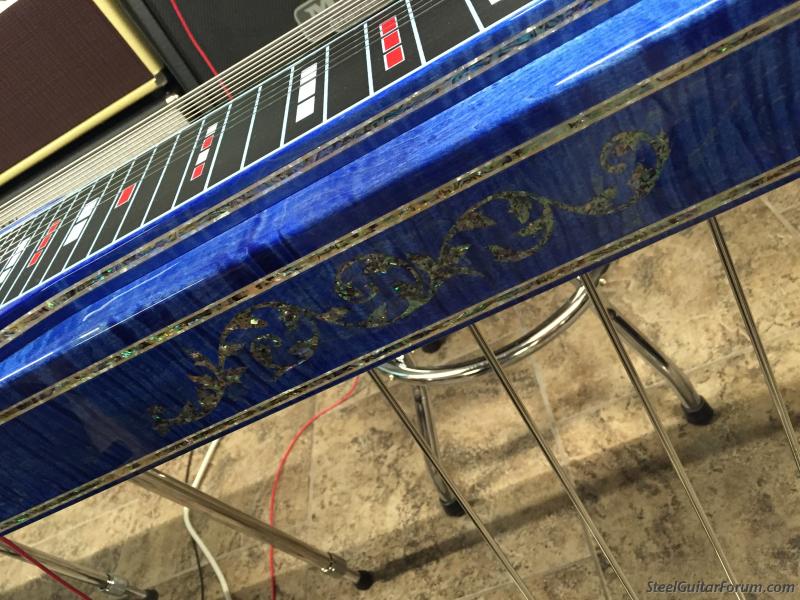
I post pictures on the forum with a 12 year old Sony Mini disk camera. Why this works I have no Idea. Would like to use a new camera and I know this has been posted before about lauding pics to another source then attaching them.
Can someone walk me through this again. 68 in 2 weeks so the old dog and new trick applies here
All digital can be plugged into a computer so you can upload or transfer your photos to either a computer, storage drive, or website. But, the camera itself must be recognized by that device or computer before any files can change hands. This usually means that a "driver" file needs to be installed to make it happen.
Assuming that your camera has had any needed drivers installed into your computer's operating system, and is recognized and assigned a drive letter when you plug it in, you can either open a web page, like our forum, and upload to it via the "Upload picture" button, or save the photos to your computer hard drive, then upload them from there. Sometimes it works out more reliably going from the camera to the computer, then to the website.
The Upload picture button opens a dialog box that lets you search/explore for where the files/photos are located.
As a side note, some forums and social network pages allow you to drag photos/files from any open window on your PC into a section of a post or reply and they will be uploaded using drag and drop. Whether you can or can't use that system depends on the forum software.
Thank you Wiz for the insightposting pics. I have several new Cameras that operate on a scan disk. I will try loading the scan disk to the computer drive and see if I can pull it from there.